 FDIC-Insured – Backed by the full faith and credit of the U.S. Government

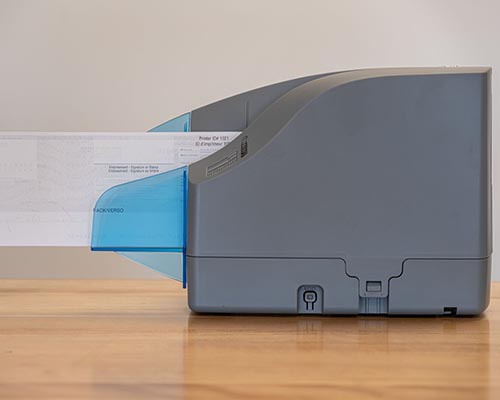
Remote Deposit
Deposit checks anytime, anywhere with Brighton Bank Remote Deposit. Our secure scanner lets you submit deposits electronically 24/7—no trips to the bank, less paperwork, and faster processing. Deposit by 2:00 p.m. MT and receive same-day credit. Save time, cut costs, and enjoy the freedom of banking on your schedule.
Mobile Wallets
Pay Confidently with Visa. Paying is easy and secure.
Paying in stores or within apps has never been easier, safer, or more private.
On iPhone, open the Wallet App and tap the plus sign. From there follow on screen instructions.
Here's how to pay using your Visa and Apple Pay: To pay within stores, hold iPhone near the contact-less reader with your finger on Touch ID.
On Apple Watch, just double-click the side button and hold the display of your Apple Watch up to the contact-less reader.
To pay within apps on iPhone and iPad, select Apple Pay as the payment method and place your finger on Touch ID.
Visa + Apple Pay. Pay confidently with Visa.
Now the things you love about your favorite Visa Card are right on your Android Phone.
Download the Google Pay App from Google Play or the app store.
Follow the instructions to add your Brighton Bank Visa Debit Card.
Verify your card if needed. Then you are all set.
Pay confidently at millions of places around the world with Visa and Google Pay.
Tap to Pay with Visa via Samsung Pay.
Access your debit card from the Samsung Pay App. (If needed, app can be downloaded from the Play Store.)
Add your Brighton Bank Visa Debit Card.
Look for the contact-less symbol at checkout.
Pay confidently at millions of places around the world with Visa and Samsung Pay.