 FDIC-Insured – Backed by the full faith and credit of the U.S. Government
Remote Deposit
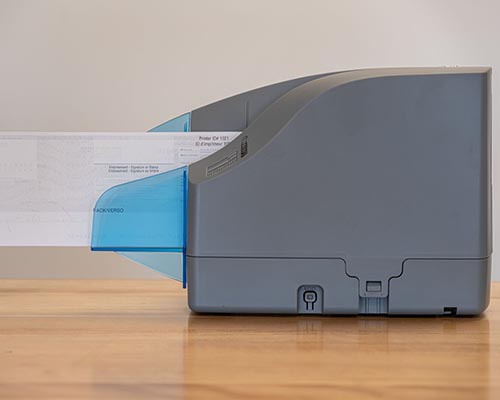
Deposit checks anytime, anywhere with Brighton Bank Remote Deposit. Our secure scanner lets you submit deposits electronically 24/7—no trips to the bank, less paperwork, and faster processing. Deposit by 2:00 p.m. MT and receive same-day credit. Save time, cut costs, and enjoy the freedom of banking on your schedule.
Online Banking Help
Q - How can I access Personal Online Banking?
A - After your personal checking account is open, simply click on the words Enroll Now on the Brighton Bank Home page. Follow the instructions and complete the Online Banking application, after which you will receive an email within (2) business days notifying you your Online Banking account is ready for you to access.
Q - How can I access Business Online Banking?
A - Contact your branch for an application. After your application has been turned in and approved, you will be notified with login information for accessing your account.
Q - How frequently is my Brighton Bank Online information updated?
A - Brighton Bank updates all customer information immediately to reflect all account activity.
Q - Can I look at all of my transactions at any time?
A - Yes, with Online Banking, you have access to your account information 24 hours a day, 7 days a week!